

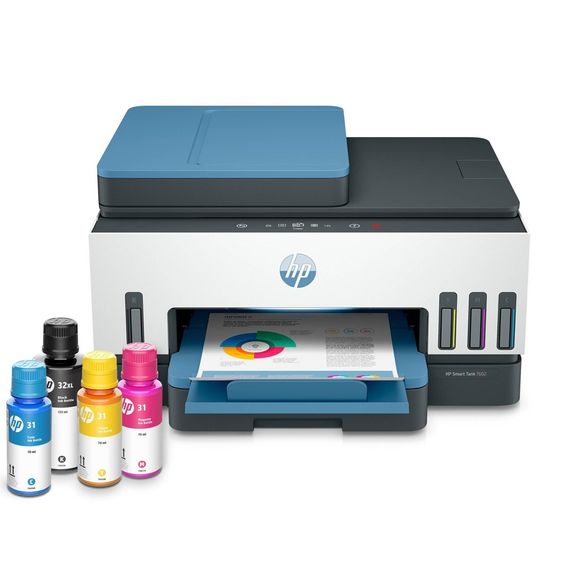
Introduction:
The HP Deskjet 3755 is a compact and stylish all-in-one printer that has gained popularity for its space-saving design and versatile functionality. One critical component that ensures the smooth operation of this printer is the ink cartridge. In this comprehensive guide, we’ll delve into the world of ink cartridges for the HP Deskjet 3755, exploring their types, installation, maintenance, and cost-effectiveness.
Types of Ink Cartridges:
The HP Deskjet 3755 printer utilizes two types of ink cartridges: black and tri-color. The black ink cartridge is responsible for producing crisp and sharp text, while the tri-color cartridge combines cyan, magenta, and yellow inks to generate a spectrum of colors for vibrant photo and graphics printing. It’s important to use genuine HP ink cartridges to ensure optimal performance and longevity of your printer.
Installation Process:
Installing ink cartridges in the HP Deskjet 3755 is a straightforward process. Follow these steps for a hassle-free setup:
- Open the ink cartridge access door: Lift the top cover of the printer to reveal the ink cartridge access door.
- Wait for the carriage to become idle: The carriage will move to the center, allowing easy access to the ink cartridges.
- Remove the old cartridges: Press down on the cartridge to release it, and then pull it out of its slot.
- Unpack the new cartridges: Take the new cartridges out of their packaging and remove the protective tape.
- Insert the new cartridges: Slide the new cartridges into their respective slots until they click into place.
- Close the ink cartridge access door: Gently close the cover, and the printer will automatically align the cartridges.
Maintenance Tips:
To ensure optimal print quality and extend the life of your printer, consider the following maintenance tips:
- Print regularly: Using your printer regularly helps prevent the ink from drying out and ensures smooth printing.
- Keep the printer clean: Dust and debris can accumulate over time, affecting print quality. Regularly clean the printer using a soft, lint-free cloth.
- Use genuine HP cartridges: Genuine HP ink cartridges are designed specifically for the Deskjet 3755, providing the best performance and print results.
- Store cartridges properly: If you need to store spare cartridges, keep them in their original packaging in a cool, dry place.
Cost-Effectiveness:
While genuine HP ink cartridges may seem initially more expensive than third-party alternatives, they offer long-term cost-effectiveness. Genuine cartridges are engineered to work seamlessly with the Deskjet 3755, ensuring consistent print quality and preventing potential issues that may arise from using non-original cartridges. Additionally, using genuine cartridges can help maintain your printer’s warranty and protect it from damage caused by incompatible inks.
Conclusion:
Ink cartridges play a crucial role in the performance and longevity of the HP Deskjet 3755 printer. By understanding the types of cartridges, following proper installation procedures, implementing regular maintenance, and choosing genuine HP cartridges, you can maximize the efficiency and lifespan of your printer while enjoying high-quality prints for various applications.